Tutorials & Guides
ILS Approach Tutorial for MSFS 2024: 737, FBW & Fenix
Learn how to fly ILS approaches in MSFS 2024 with step-by-step instructions for the PMDG 737, FlyByWire A320, and Fenix A320.
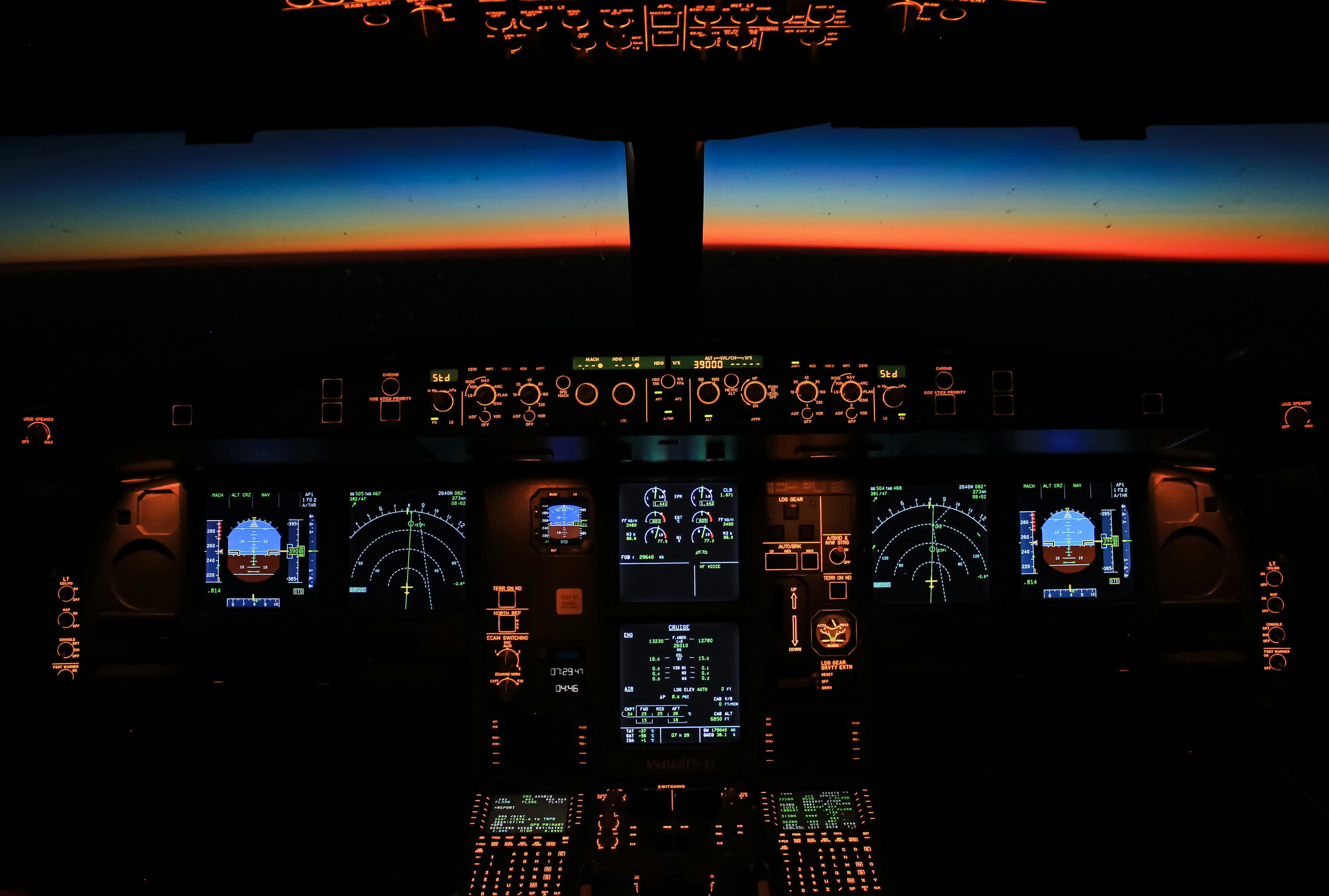
The ILS approach tutorial you actually need for MSFS 2024 starts with one uncomfortable truth: the sim changed how instrument approaches work, and half the old guides out there are wrong now. If you've been mashing the APR button and wondering why nothing happens, you're not alone. With Sim Update 5 and new Working Title avionics updates landing in April, there's never been a better time to nail this down properly.
This guide covers ILS approaches in the three airliners you'll actually fly in MSFS 2024: the PMDG 737, the FlyByWire A320, and the Fenix A320. Each one handles it differently, and those differences matter when you're at 2,500 feet on a foggy final into CYYZ.
ILS in the PMDG 737
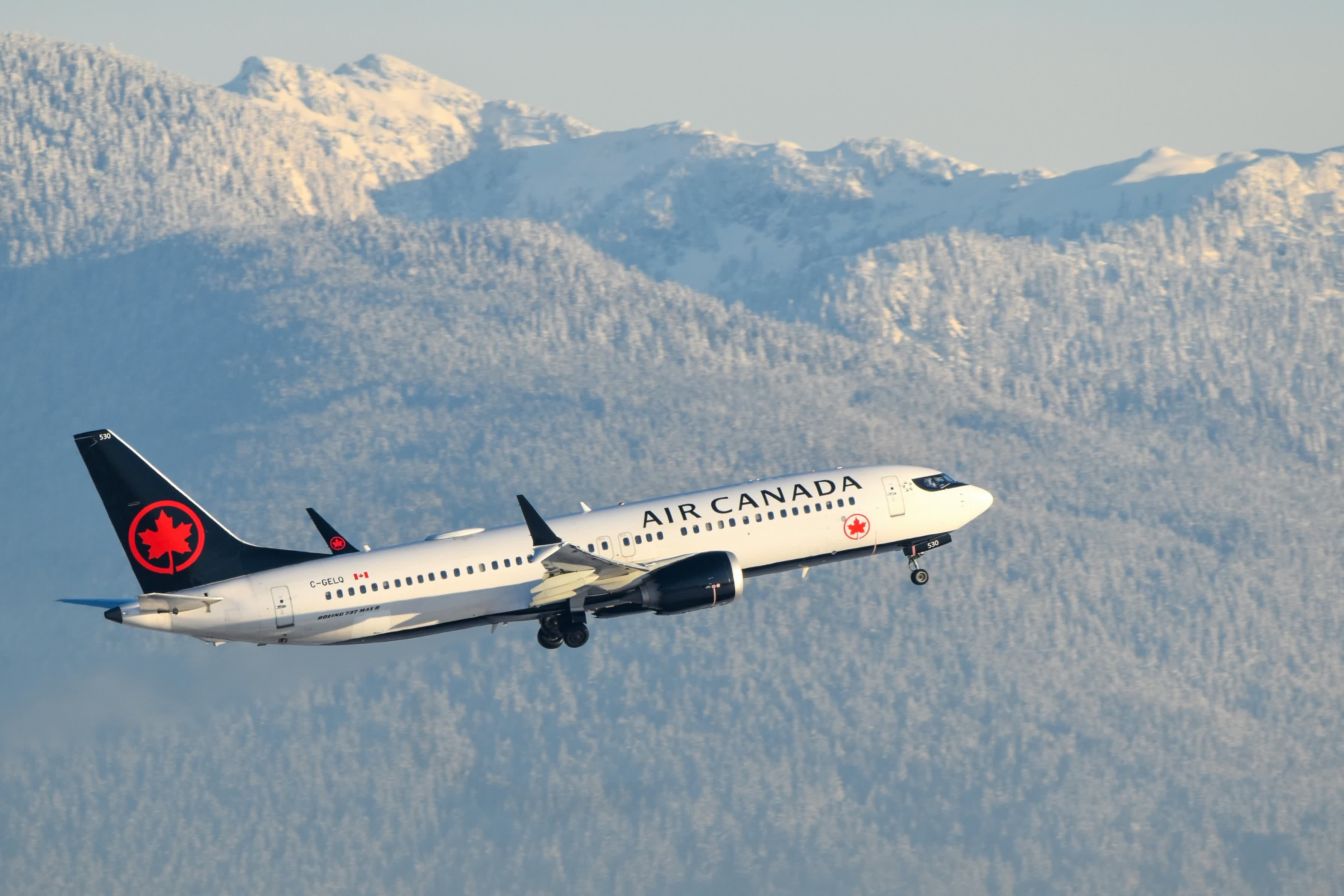
The 737 is a completely different animal, and honestly it's more satisfying once you get the sequence right. The PMDG models the real Boeing ILS procedure with impressive accuracy, including the distinction between a standard ILS and a full autoland.
Start by verifying the ILS frequency. Open the FMC, go to your approach page, and confirm the ILS frequency and course are loaded for your arrival runway. Check both the captain's and first officer's NAV radios on the radio panel. Both sides need the correct frequency for autoland to work. If only one side is tuned, you'll get a single-channel approach, which means hand-flying below minimums.
Here's where the 737 procedure trips people up. You need to arm VOR/LOC first, not APP. As you approach the localizer intercept, press the VOR LOC button on the MCP. The annunciation on the PFD will show VOR/LOC in white (armed). Once the localizer captures and VOR/LOC goes green, then press APP. This arms the glideslope.
If you press APP before the aircraft is receiving the ILS signal, the 737 drops into IAN (Integrated Approach Navigation) mode instead. IAN is a GPS-based substitute that flies a non-precision approach profile. It works, but it's not what you want for a proper ILS, and it won't give you autoland capability.
For a full CAT III autoland, make sure both CMD A and CMD B are engaged (press both autopilot buttons on the MCP). As you descend, the PFD annunciations will progress: CMD, then LAND 3 (or LAND 2 depending on configuration). When you see LAND 3, the aircraft will flare and touch down on its own. Satisfying every single time.
ILS in the FlyByWire A320
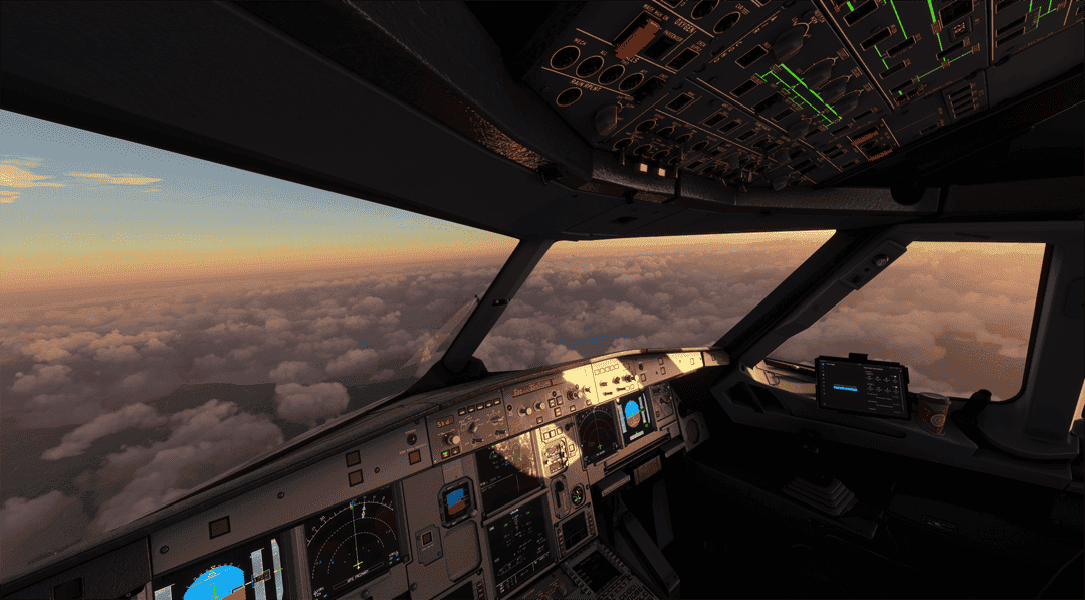
Airbus does things differently, as Airbus always does. The FBW A320 uses a managed approach system that automates more of the process, but you still need to set it up correctly.
Before you start your descent, confirm the ILS frequency on the MCDU RAD NAV page. The FBW's custom FMS usually auto-tunes this from the flight plan, but the RAD NAV page is your confirmation. If you see the wrong frequency or a blank field, enter it manually.
The critical button most people forget: LS on the EFIS panel (left side of the glareshield, near the baro setting). Press LS to display the ILS deviation scales on the PFD. Without this, you won't see localizer or glideslope indications at all, and you'll be flying blind even though the system is actually receiving the signal. It's a display toggle, not a system toggle, and it confuses a lot of people.
For the approach itself, make sure you're in managed NAV mode (NAV is active on the FMA). The FMS will guide you through the published approach procedure. When you're established inbound and ready to capture, press APPR on the FCU. You'll see LOC and G/S appear in blue on the FMA, meaning armed. They'll switch to green when captured.
One quirk specific to the FBW: the nose dips noticeably on autopilot disconnect. If you're hand-flying the last 50 feet after a CAT I approach, be ready with a gentle pull on the stick. It's not a bug, it's the flight control law transition from Normal to Direct, and it catches people off guard on their first few attempts.
ILS in the Fenix A320
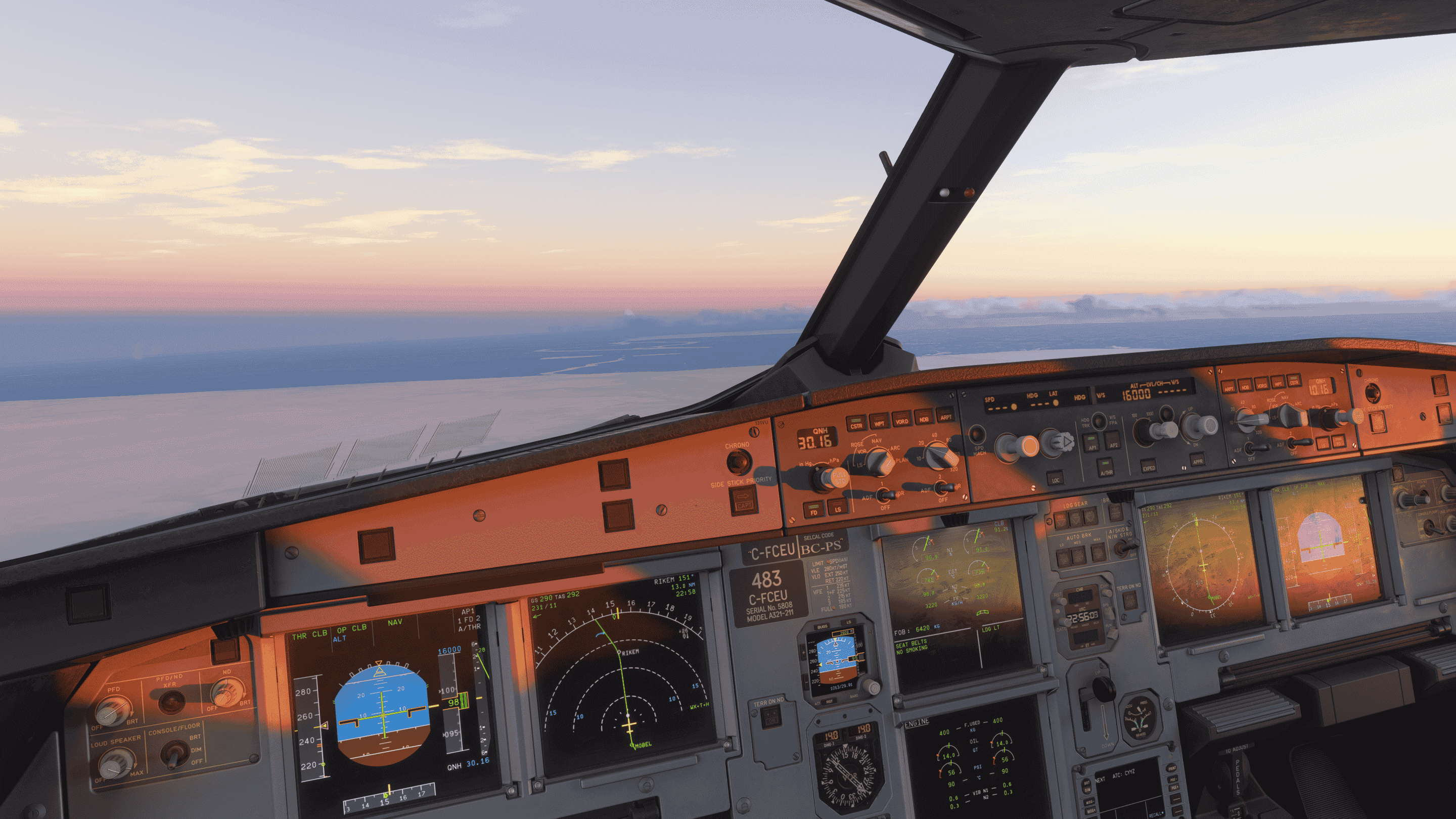
If you're flying the payware Fenix A320, the core ILS flow follows the same Airbus philosophy as the FBW, but the Fenix's deeper systems modeling changes quite a bit under the hood. The Fenix has a more complete FMGS implementation, and that shows up the moment you start setting up your approach.
MCDU Setup: RAD NAV and the Flight Plan
Start on the MCDU. Go to the RAD NAV page and verify the ILS frequency and course. The Fenix's FMS will auto-tune from the flight plan in most cases, but the RAD NAV page is where you confirm it. If the frequency field is blank or shows something unexpected, type in the correct ILS frequency from your approach chart and press the line select key next to the ILS/FREQ field. Double-check the course too, since some ILS approaches at parallel runways (like CYYZ's 05 and 06L) share similar frequencies but different inbound courses.
One thing the Fenix does better than the FBW: the secondary flight plan page actually works. You can set up an alternate approach on the SEC F-PLN page while still flying the primary, which is useful if ATC switches your runway last minute. On VATSIM this happens more often than you'd expect, especially during events at Toronto or Montreal. The FBW doesn't have this fully implemented yet, so if you're used to the FBW you might not even know this page exists.
The PERF APPR Page (Don't Skip This)
This is where a lot of Fenix pilots cut corners, and it costs them. Press the PERF key on the MCDU, then hit "Next Phase" until you land on the APPR page. You need to fill in several fields here before you start the approach.
QNH: Enter the destination QNH from ATIS or ATC. The Fenix uses this for accurate altitude references on the approach.
TEMP: Enter the destination temperature. This affects Vapp calculations.
MAG WIND: Enter the wind direction and speed from ATIS. Use magnetic heading, not true. This is important because the FMGS uses this to compute your Vapp. The formula is VLS + 1/3 of the headwind component, with a minimum of VLS + 5 and a maximum of VLS + 15. If you leave the wind field blank, the system defaults to VLS + 5, which might leave you slow if there's a 20-knot headwind on final.
DH (Decision Height): For a CAT I ILS, enter the published decision height from the approach chart, typically 200 feet. For CAT III with dual AP, you can enter "NO" or "NODH" for no decision height. The field will show "RADIO" by default when an ILS approach is loaded, confirming it's a precision approach.
The Fenix will compute Vapp automatically once you've filled in these fields. You'll see the green target speed appear on the PFD speed tape during the approach phase. Getting this page right means the aircraft manages its own speed correctly through the deceleration sequence. Skip it, and you'll be fighting the autothrust the whole way down.
EFIS and FCU Setup
Same as the FBW, press the LS button on the EFIS control panel to display localizer and glideslope deviation scales on the PFD. Skip this and you'll be staring at a clean PFD wondering why you can't see any deviation indicators. The ILS is receiving just fine. You just can't see it without LS enabled.
Set your FCU altitude to the initial approach fix altitude or the glideslope intercept altitude from the chart. Make sure the baro reference matches what you entered on the PERF APPR page.
The Approach: Speed and Flap Sequencing
If you're flying in managed NAV and managed speed (both the speed and heading knobs pushed in), the Fenix handles the approach phase transition automatically. When you cross the deceleration pseudo-waypoint (shown as a "D" on the ND), the FMGS switches to approach phase and begins managing your speed down.
Here's the flap sequence the Fenix expects, and this is where the sim rewards you for flying by the book. The FMGS holds Green Dot speed (clean configuration) until you select Flaps 1. Once Flaps 1 is in, speed targets S-speed. Intercept the glideslope in Flaps 1 at S-speed. Around 2,500 feet AGL, select Flaps 2, and the system targets F-speed. Then Flaps 3, and finally Flaps Full as you get established on final. With each flap selection, the managed speed steps down automatically. It feels remarkably smooth when you get the timing right.
Press APPR on the FCU when you're established on the approach and ready to intercept. LOC and G/S will arm (shown in blue on the FMA) and capture as you intercept each beam (turning green).
Autoland: The Full CAT III Sequence
This is where the Fenix really separates itself. For a standard CAT I hand-flown landing, you only need AP1 engaged. Disconnect at decision height (typically 200 feet), look up, find the runway, and land. Standard stuff.
For a CAT III autoland, engage both AP1 and AP2 on the FCU before you press APPR. The FMA's fifth column will show CAT 3 DUAL, confirming you've got redundant autopilot channels for a proper zero-visibility approach. If you only see CAT 3 SINGLE or CAT 2, something isn't set up right. Check that both APs are lit and that the ILS frequency is tuned on both sides.
As you descend, the FMA transitions tell the story. At 350 feet radio altitude, the FMA changes from G/S to LAND in green. This is the critical gate. If you don't see LAND by 350 feet, the system isn't confident in the approach and you should go around. At 40 feet, LAND transitions to FLARE as the aircraft begins the flare maneuver. At around 30 feet, you'll hear "RETARD, RETARD" as the autothrust pulls to idle. After touchdown, FLARE changes to ROLL OUT as the autobrakes and nosewheel steering take over.
The altitude callouts run alongside these transitions. You'll hear "hundred above" at 100 feet above your decision height, then "minimum" at decision height. For a no-DH CAT III approach, these callouts are replaced by the radio altitude callouts: "fifty," "forty," "thirty," "twenty," "ten." The Fenix models the real Honeywell FMGS callout logic, so the timing and phrasing match what actual A320 pilots hear. It's one of those details that makes you forget you're in a sim for a moment.
Go-Arounds in the Fenix
One difference from the FBW worth knowing: the Fenix handles the go-around more realistically. Push the TOGA levers (or the mapped button on your throttle quadrant) during an approach, and the Fenix sequences the FMS to the missed approach procedure automatically. The SRS mode activates for pitch guidance, the aircraft commands the correct thrust setting, and the FMA updates to show SRS and GA TRK. The transition feels noticeably smoother than the FBW's go-around, which can pitch up a bit abruptly and sometimes leaves you scrambling to manage the flight director.
Below 100 feet on a CAT III approach, only go around if you see the autoland warning light (a red AUTOLAND light on the glareshield) or the aircraft deviates obviously from a safe trajectory. Above 100 feet, you have more reasons to abandon: loss of an autopilot, any amber caution on the ECAM, or a capability downgrade on the FMA. The Fenix models all of these triggers faithfully.
Common Mistakes and How to Fix Them
These are the mistakes that trip up simmers over and over, regardless of experience level.
Wrong ILS frequency is the silent killer. Charts from Navigraph or the sim's built-in plates will show the correct frequency for each runway. Copy it exactly. A transposed digit means the whole approach falls apart and the autopilot just flies you straight ahead into the terrain.
Intercepting at the wrong angle is another common problem. You should be within 30 degrees of the inbound course when you arm the localizer. If you're perpendicular to the runway heading, the aircraft will overshoot the localizer and you'll end up chasing it back and forth. ATC vectors you onto a proper intercept heading for a reason.
Speed management matters more than people realize. The glideslope descent rate assumes a certain groundspeed. If you're screaming in at 250 knots in a 737, you'll be descending at 1,200+ feet per minute and the autopilot will struggle to maintain the glideslope. Slow to approach speed (Vref + wind correction) before intercepting the glideslope, not after.
Finally, altitude. You need to be at or below the glideslope intercept altitude published on the approach chart. If you're 1,000 feet above it, the glideslope will capture from above and the autopilot will pitch down aggressively, or won't capture at all depending on the aircraft.
Practice Approaches Worth Flying
If you want to practice, try these. CYYZ ILS 05 at Toronto Pearson is a classic, with a long straight-in and Toronto's skyline off to the left as you descend. CYVR ILS 08R at Vancouver gives you a gorgeous mountain backdrop and a busy VATSIM frequency on event nights. For something shorter and simpler, CYOW ILS 07 at Ottawa takes you right over the Rideau Canal on a clear day.
Each of these airports has solid freeware or default scenery in MSFS 2024, and you'll find VATSIM ATC coverage on most Canadian evenings.
If you're part of the Virtual Air Canada community, log one of these approaches on your next flight. ILS proficiency is one of those skills that separates casual simmers from pilots who can handle anything the weather throws at them. And with the Working Title avionics refresh coming in SU5 next month, the default aircraft ILS experience is only going to get better.
