Hardware & Setup
MSFS 2024 VR Setup Guide: Quest 3, PS VR2 and SU5
MSFS 2024 VR is finally worth it in 2026. Here's your complete setup guide for Meta Quest 3, PS VR2, and what SU5's foveated rendering changes.
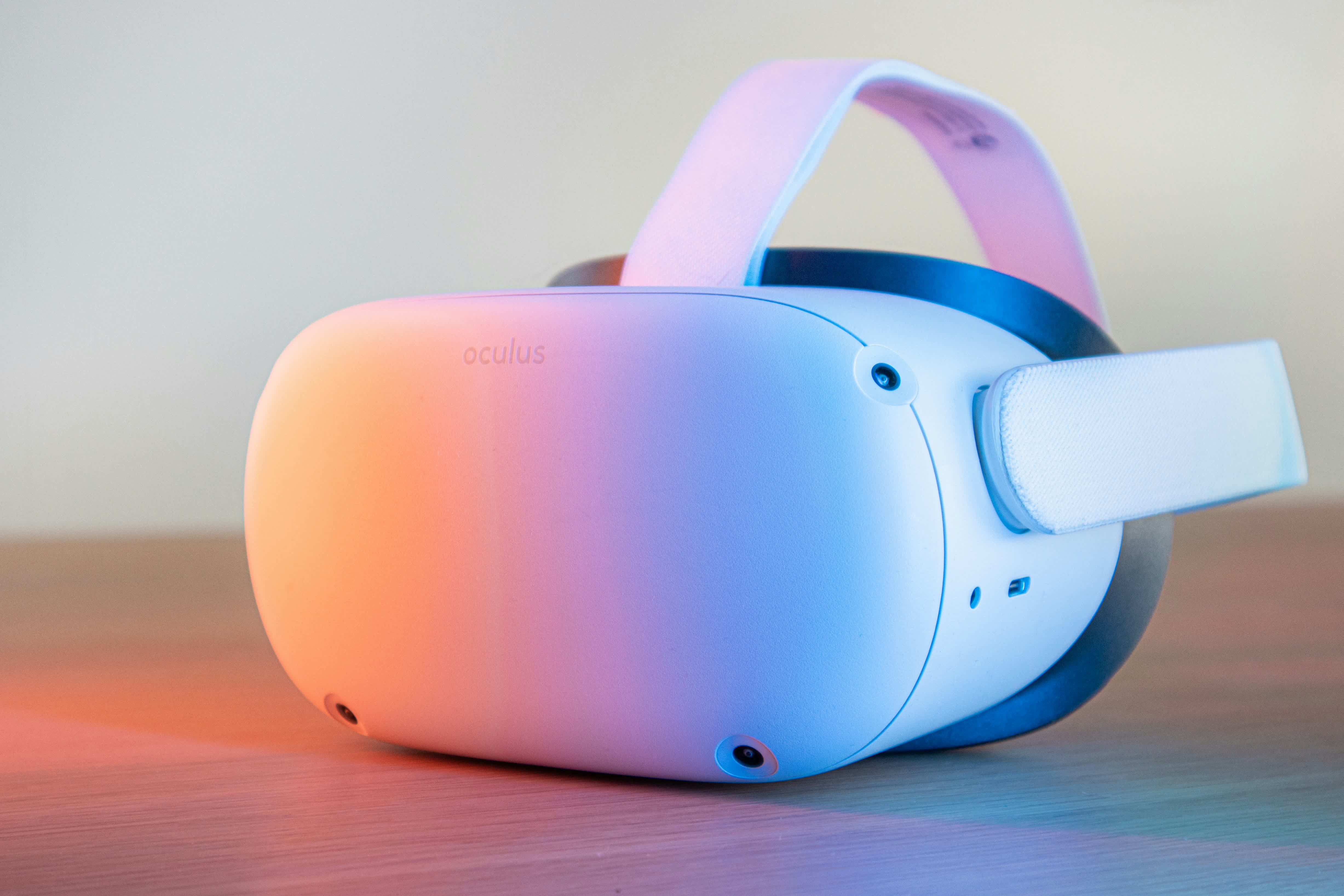
If there's one thing that's changed about MSFS 2024 VR in 2026, it's that it's finally worth talking about. The early months were rough, full of stutters and VRAM issues that left even RTX 4090 rigs struggling over London. Sim Update 5 is changing that. Add the brand new PS VR2 mode that just launched in March and a growing Meta Quest 3 user base, and 2026 is genuinely the best time to strap on a headset and fly.
This guide covers how to get MSFS 2024 running well in VR, whether you're on a Quest 3, a Quest 2 still doing solid work, or a PS5 with PS VR2. The settings are specific. The trade-offs are honest.
What SU5 Actually Changes for VR
Sim Update 5 is still in beta as of late March 2026, but the VR improvements are real and measurable. The headline change is foveated rendering support, which splits into two modes depending on your hardware.
Fixed Foveated Rendering reduces quality at the edges of your view while keeping the center sharp. Most headsets support this. Eye-Tracked Foveated Rendering goes a step further: it follows your actual gaze and dynamically shifts the high-resolution zone wherever you're looking. The PS VR2 uses this natively with its built-in eye tracking.
The performance gains in the SU5 beta are not subtle. In demanding areas like London, 0.1% lows moved from roughly 14 FPS to 25 FPS with foveated rendering at 50% render scale. That's the difference between motion sickness and actually enjoying the approach into EGLL.
There's also a DirectX 12 stability pass in SU5 that addresses the ghosting and frame inconsistency issues during motion reprojection. If you've been holding off on VR because the stutter was unbearable in busy airspace, SU5 is worth revisiting.
Meta Quest 3: Settings That Actually Work
The Quest 3 is the most common PC VR headset in the flight sim community right now. Getting it dialed in for MSFS 2024 takes a bit of work, but the results are genuinely good.
Connection: Link Cable vs. Virtual Desktop
Honest take: both work. The Link cable gives better distant clarity and zero compression artifacts, which matters when you're trying to read a PFD at cruise altitude. Virtual Desktop has lower perceived latency for some users and works wirelessly, which is nice when you need to reach across the cockpit. If you have a solid Wi-Fi 6 router, Virtual Desktop is worth trying. If you're on anything older, use the cable.
Render Scale
Don't start at 100%. Start at 60-70% in the MSFS VR settings and work up from there. The Quest 3 has a high resolution display, and MSFS is extremely demanding. A lower render scale with solid ASW (Asynchronous SpaceWarp) enabled is smoother than a high render scale with frame drops. Smooth beats sharp in VR every time.
Displacement Mapping
Turn this off. Seriously. It's a texture depth feature that's one of the biggest performance bottlenecks in VR. You will not miss it in the cockpit. Disabling it frees up enough headroom to push quality settings elsewhere, like terrain level of detail, which actually matters for VR immersion.
Anti-Aliasing
Use TAA for now. DLSS4 is an option if you're on a newer NVIDIA card, but TAA is more stable in VR specifically. DLAA tends to introduce artifacts during head movement.
ASW and Frame Rate Targeting
This one is counterintuitive: 36 FPS in VR with ASW enabled is smoother than 50 FPS without it. ASW generates intermediate frames to smooth out motion, so targeting a locked 36 or 40 FPS and letting ASW fill in feels more natural than chasing higher numbers that dip. Set your Quest refresh rate to 72Hz and target half that as your MSFS frame budget.
PS VR2 on MSFS 2024: What Launched in March
The PS VR2 mode for MSFS 2024 launched as a free update in early March 2026, and it's a bigger deal than the announcement suggested. Asobo rebuilt the entire interaction model for the PS VR2 Sense controllers, which means every cockpit switch, dial, and button is mapped in a way that feels natural rather than bolted on.
Two technical features make it work. Frame duplication runs the render thread twice per main thread frame, updating the camera position between each pass. Combined with Flexible Scaled Rasterization (the PS VR2's foveated rendering implementation), the result is smooth performance across the full range of over 100 supported aircraft.
The cockpit scale is the thing that gets you. Sitting in the Boeing 737-8 cockpit on PS VR2 and sensing how far the overhead panel actually is, or leaning forward to read the standby instruments, is something flat-screen flying can't replicate. It doesn't hurt that the Gran Turismo 7 team's work was apparently the reference point for the VR implementation.
For virtual airline flying specifically, the airliner support is solid. The 737-8 cockpit is the most complex and was apparently the hardest to get right, which is a good sign for long-haul pilots who live in FMCs and CDUs.
General VR Tips for Airliner Flying
A few things worth knowing before you start doing IFR flying in VR.
Zoom is your friend. MSFS has a zoom keybind that works in VR. Map it to a controller button or a joystick hat. Reading MFDs at cruise altitude requires occasional zooming, and reaching for a headset passthrough button every time is not the move.
Set up your cockpit view before you put the headset on. Get seated, set your eyepoint, save it. Adjusting your virtual seat height in VR is possible but annoying.
Pausing matters more in VR than on flat screen. If you get a phone call or need to step away mid-flight, pause and center your view before taking the headset off. Returning to a disoriented cockpit is jarring.
SIDs and STARs in the FMC are harder to enter in VR without TrackIR or mouse emulation set up properly. Give yourself extra time on the ground for data entry before departure. The PMDG 777 and FlyByWire A380X both handle VR reasonably well, but plan for slower FMC work.
Flying VR Routes with Virtual Air Canada
Some of the best VR flying in MSFS 2024 is on routes where the terrain actually does something interesting. CYVR into Vancouver at dusk with the mountains filling the windscreen is the kind of experience that justifies the hardware cost. CYYC into Calgary, especially in winter conditions, is another one worth doing.
If you're logging hours with Virtual Air Canada, VR flights count the same as any other. File your PIREP normally. For newer members looking to get into VR before the CTP Eastbound on April 25, doing a few domestic Canada routes in headset is a good way to get comfortable with airliner systems in VR before the Atlantic crossing.
Join the VAC community Discord to compare settings, headset experiences, and route recommendations. The Quest 3 owners in particular have a good shared knowledge base around MSFS 2024 optimization.
